What is an API ?
August, 2021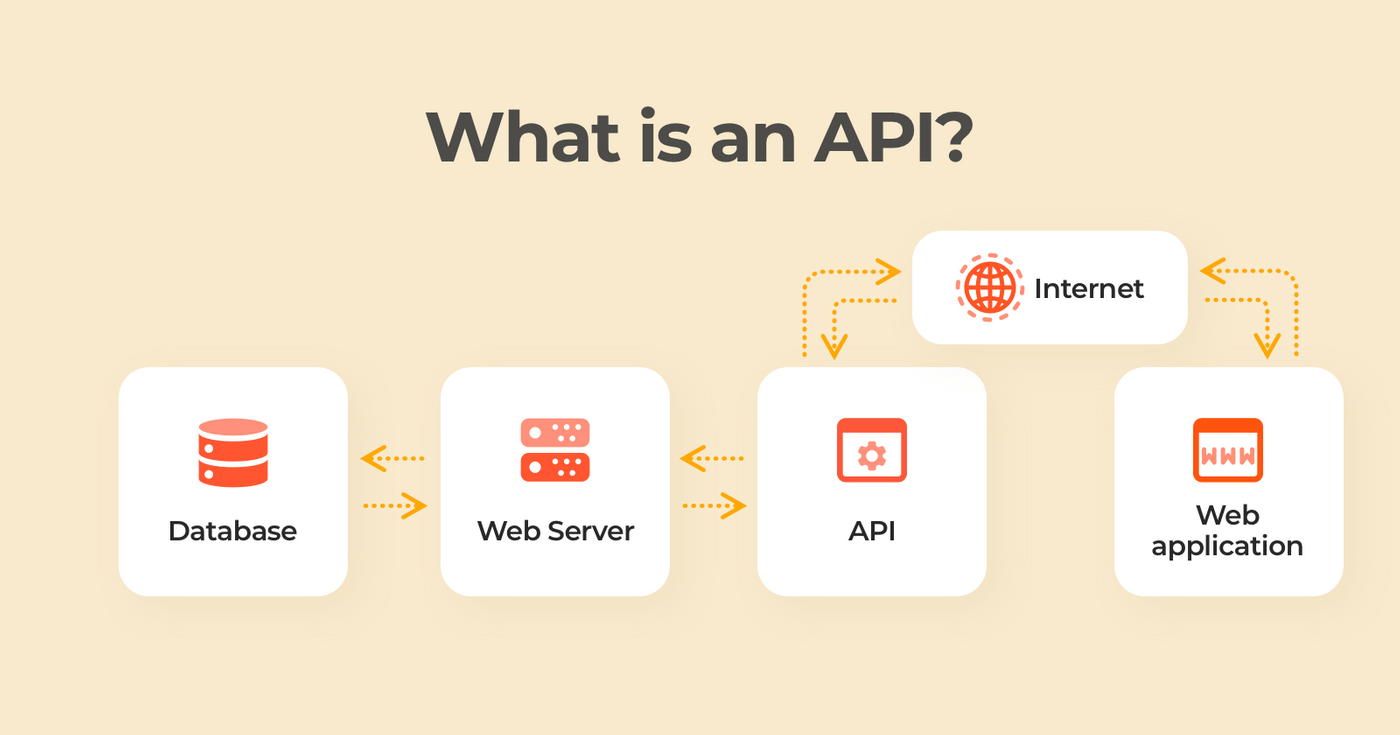
Just like we humans communicate through language, gestures and expressions with each other similarly,
software products exchange data and functionalities via machine-readable interfaces – APIs.
API stands for Application Programming Interface that allows two applications to interact with each other to
access data. It communicates through a set of rules and the communication is done using a programming language
called "JSON". An
API takes requests or response of a user to the system, translates and returns the system's response. APIs
generally simplify and speedup the software development. The purpose of an API is
to create an exchange of information so seamless that it goes unnoticed by the end user.
Example : Every action on
phone like checking cricket score or checking weather conditions
or booking an ticket, uses an API to access and deliver that message.
It can be used to update or delete data.
For example: when a user clicks "add to cart" while E-shopping, an API tells the site that a user has added a
product to the cart and the website puts the product in cart and the cart is updated. It is very much user-friendly and easily accessible.
There is one more concept 'API key'.
An application programming interface key (API key) (is a code) that acts as both a unique identifier and a secret token used to authenticate a user, developer, or calling program to an API. In easier words, it is passed by an application, which then calls the API to identify the user, developer, or program attempting to access a website. They are useful for accessing public data anonymously.
- GET: requests data from the server
- POST: sends new information to server
- PUT: updates existing data on a server
- DELETE: removes or deletes a blog post
There are four types of API actions:
Github
August, 2021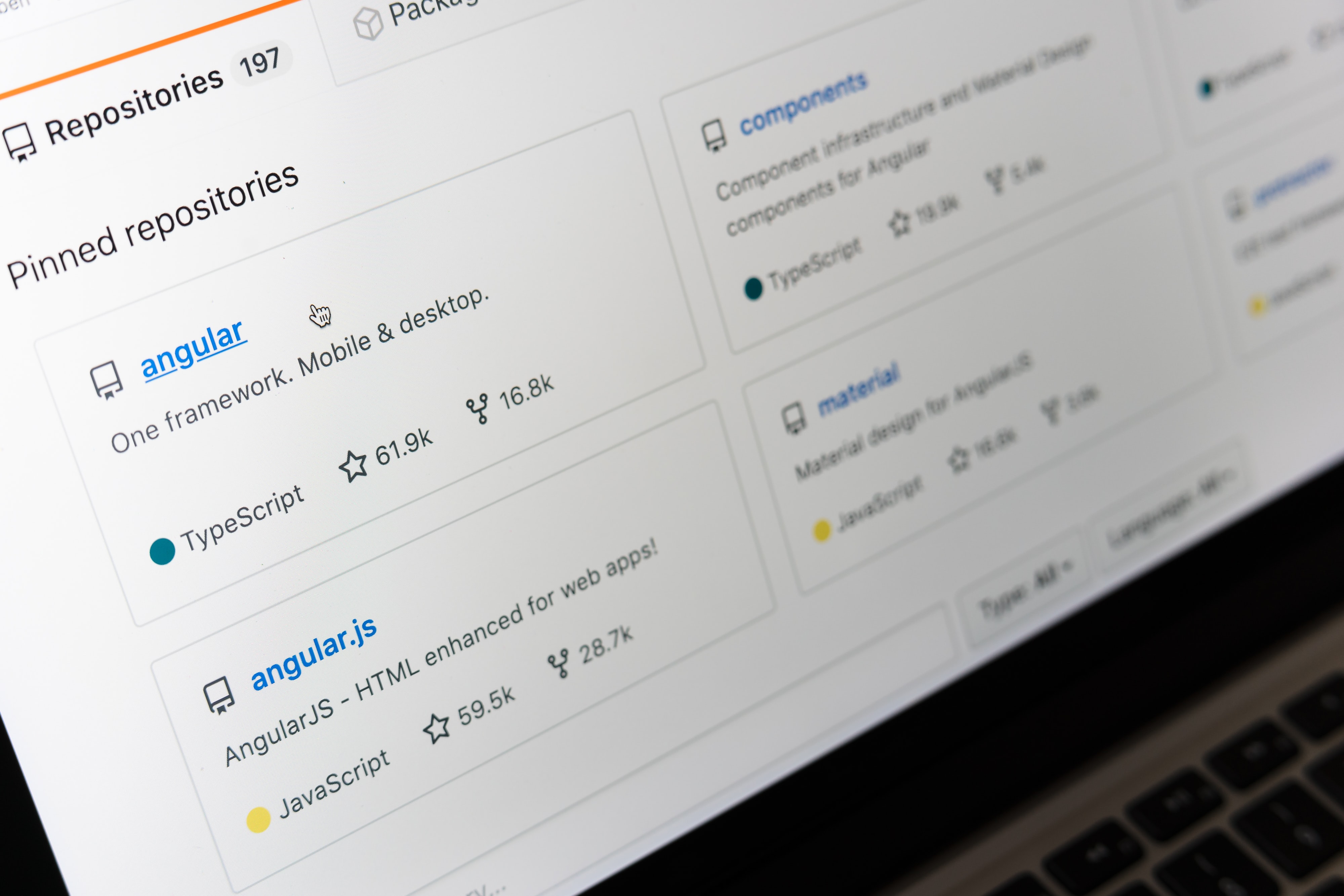
GitHub is a code hosting platform for collaboration and version control that lets multiple users to work together and make separate changes to single project at same time. Git is a version control system i.e when developers create some project, they make constant changes to the code it saves the changes by creating new versions of the same project. Every developer can see these new changes, download them, and contribute. With GitHub, developers can build code, track changes, and innovate solutions to problems. In simpler words, Git is a code keeping mechanism that keeps record of your code/source files, what changes are done to file, who did the change and allows you to rervert those changes just like earsing mistakes with an eraser and move back to initial file. GitHub essentials are:
- Repositories : A GitHub repository is a location where all source files for projects are stored. A GitHub repository should also include a licence file and a README file about the project. Licence file allows the developers to use and make changes to the repository freely. README file is a text file that contains information about project and its details. README.md is used to generate the html summary of the project.
- Branches : A GitHub branch is used to work with different versions of a repository at the same time. A repository has a master branch (by default) and other branches that are copy of the master branch. New Branches can be created by multile developers to work separately on same file and make changes to it. When changes are ready, they can be merged into the master branch.
- Commits : At GitHub, changes are called commits. Each commit (change) has a description explaining why a change was made and what is it about, called commit message.
- Pull Requests : Pull Requests are used for GitHub collaboration. With a pull request, a developer asks for changes commited to an repository to be merged (pulled in) with the main repository. It is like a merge request.
What is a query selector?
August, 2021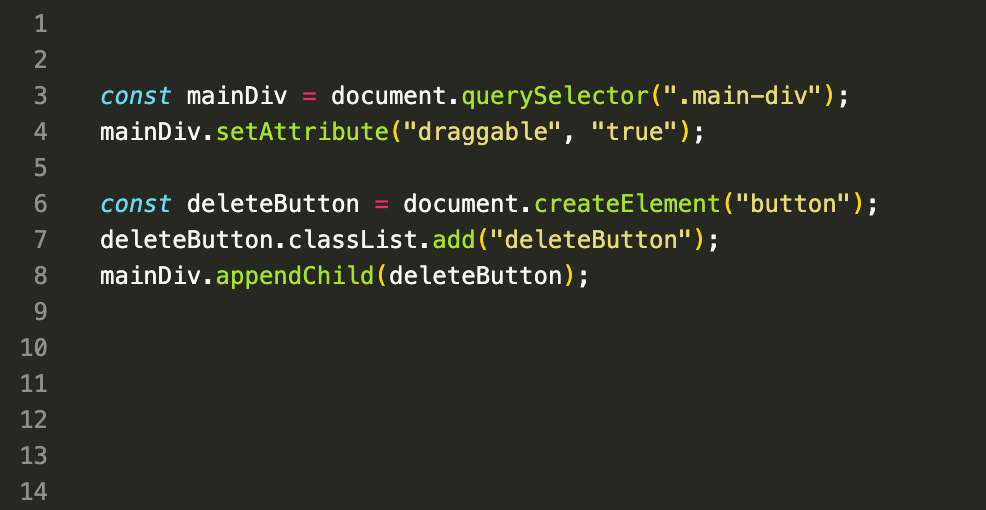
The querySelector() is a JS method that helps in searching of elements. This method in HTML is used to return the first element that matches a specified CSS selector(s) in the document. But to return all elements inside element matching the given CSS selector, "querySelectorAll( )".If no matches are found, null is returned. syntax : document.querySelectorAll(" CSS Selectors"); Selectors are the required field that Specifies one or more CSS selectors to match the element. CSS Selectors are used to select HTML elements based upon their id, classes, types etc. If the selector matches a class attribute, which might have been used several times in the document, then it will return the first matching element. var idSelector = document.querySelector("#id"); var classSelector = document.querySelector(".class"); A comma can be used to separate multiple selectors. Pseudo-classes in the CSS selector like :hover and :active are also supported. For example, document.querySelectorAll(':hover'); There are also other methods to select elements but querySelector is more powerful and shorter to write.